Trade Reviews: A Complete Review Workflow for Every Trade You Make
Trade Reviews gives you a structured, interactive workspace to review every trade you make — playbook adherence, strategy rule compliance, performance metrics, R ratio, execution-level analysis, and review notes, all in one place.
Reviewing trades is where development actually happens. Not the logging, not the importing — the sitting down, pulling up the chart, and honestly evaluating whether you did what you were supposed to do. Trade Reviews is built around that process, giving you every tool you need to review a trade thoroughly without leaving the application.
What's New
The Review Workspace
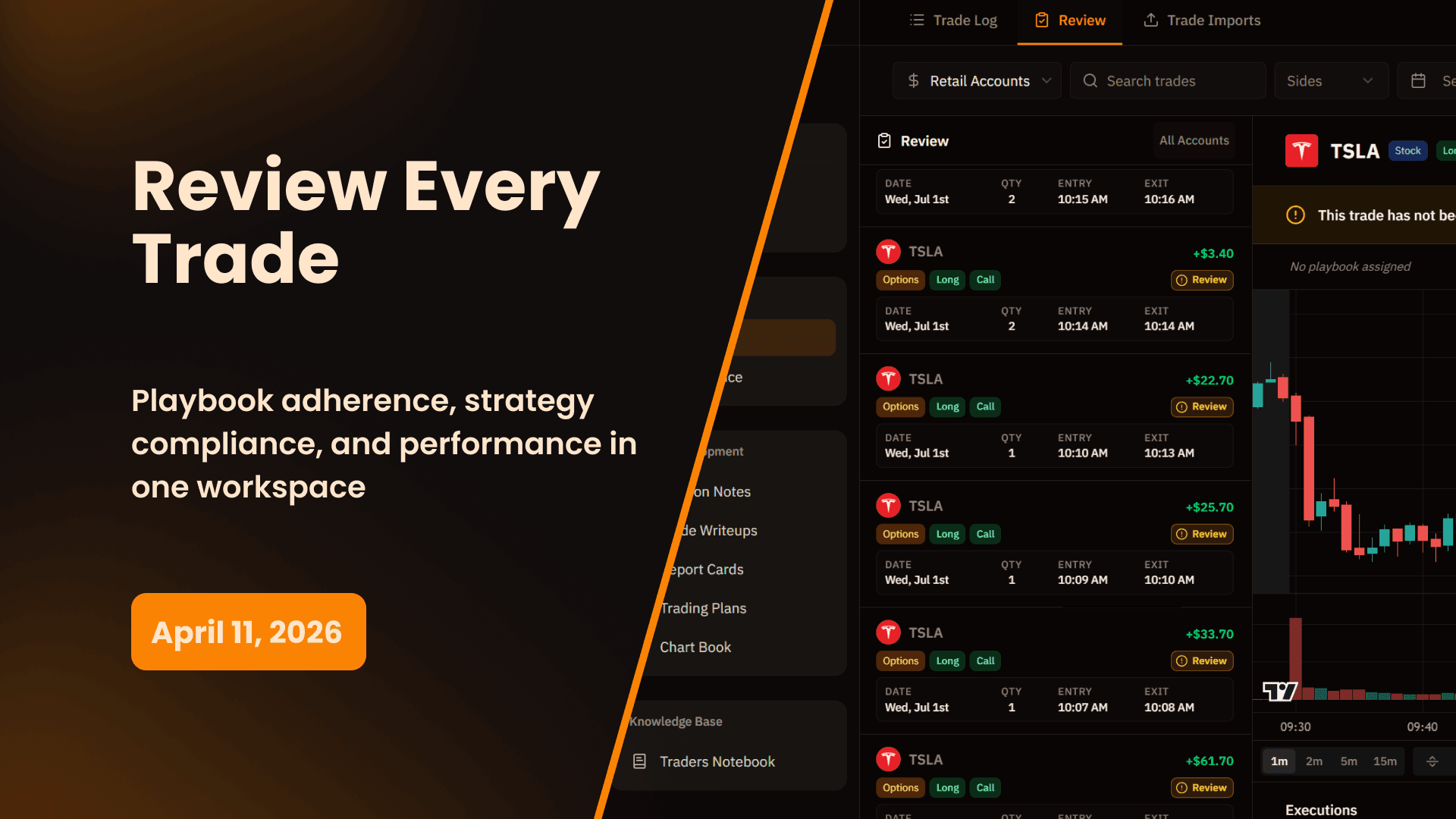
Trade Reviews is its own dedicated section in your journal sidebar. The left panel shows all your trades as a scrollable list with basic details — ticker, date, side, entry and exit times, and P&L — so you can move through trades quickly. Clicking any trade opens the full review workspace in the center panel.
At the top of the workspace, a live TradingView chart loads for that trade's session automatically. You can switch timeframes, add indicators, and interact with the chart directly. Hover over your entry execution on the chart and click it to instantly assign a strategy to that execution — without leaving the review.
Once you've completed a full review, click the Review button to mark the trade as reviewed. The system flags it so you always know which trades you've already worked through and which still need attention.
Four Review Panels
The right panel of the review workspace has four tabs, each covering a different dimension of the trade.
General — Rating & Risk Management
The General tab is where you set your overall trade rating and assign trade-level risk management.
- Rating — Score the trade from 1 to 5 stars. This is a quality rating for the trade as a whole, separate from whether it was a winner or loser.
- Trade Risk Management — Assign a risk management strategy to the trade. If your account has a global risk rule set — for example, a fixed $50 per trade risk — that links automatically and factors into your R ratio calculation. You can also set trade-specific stop loss and take profit levels to calculate R on trades where your risk was defined differently.
Performance — Trade Metrics
The Performance tab shows the complete breakdown of how the trade performed:
- Gross P&L and Net P&L
- Commissions and Execution count
- Entry price and Exit price
- R-Ratio — calculated automatically once a risk management strategy or stop loss level is assigned
- Status — Win, Loss, or Breakeven
- Planned Levels — Add your intended stop loss and take profit levels to compare planned risk against what actually happened
Playbook — Criteria Adherence
The Playbook tab connects the trade to your playbook and shows exactly how well the setup qualified before you entered.
Select the playbook this trade belongs to and the criteria checklist from that playbook loads automatically. Go through each item and mark whether it was met or not. The tab calculates and displays an overall criteria met percentage — so you can see at a glance what percentage of your setup criteria were actually satisfied before you pulled the trigger.
This is one of the most honest metrics in your journal. A trade where only 40% of your playbook criteria were met before entry is a trade you shouldn't have taken, regardless of outcome. Over time, filtering your trades by playbook adherence percentage reveals exactly how much your rule-following affects your results.
Strategy — Execution-Level Rule Compliance
The Strategy tab goes one level deeper — down to individual executions. Each execution in the trade is listed with its timestamp, and you assign a strategy to each one separately.
Once a strategy is assigned to an execution, that strategy's rules appear as a checklist. Mark each rule as followed or not followed. The tab shows a rules followed percentage per execution so you can see not just whether you entered correctly, but whether each individual execution — your open, your scale-in, your close — followed the rules you defined for that strategy.
This matters because a trade can have multiple executions with different strategy compliance at each one. Maybe your entry was clean but your exit was impulsive. The Strategy tab surfaces that clearly.
Review Notes
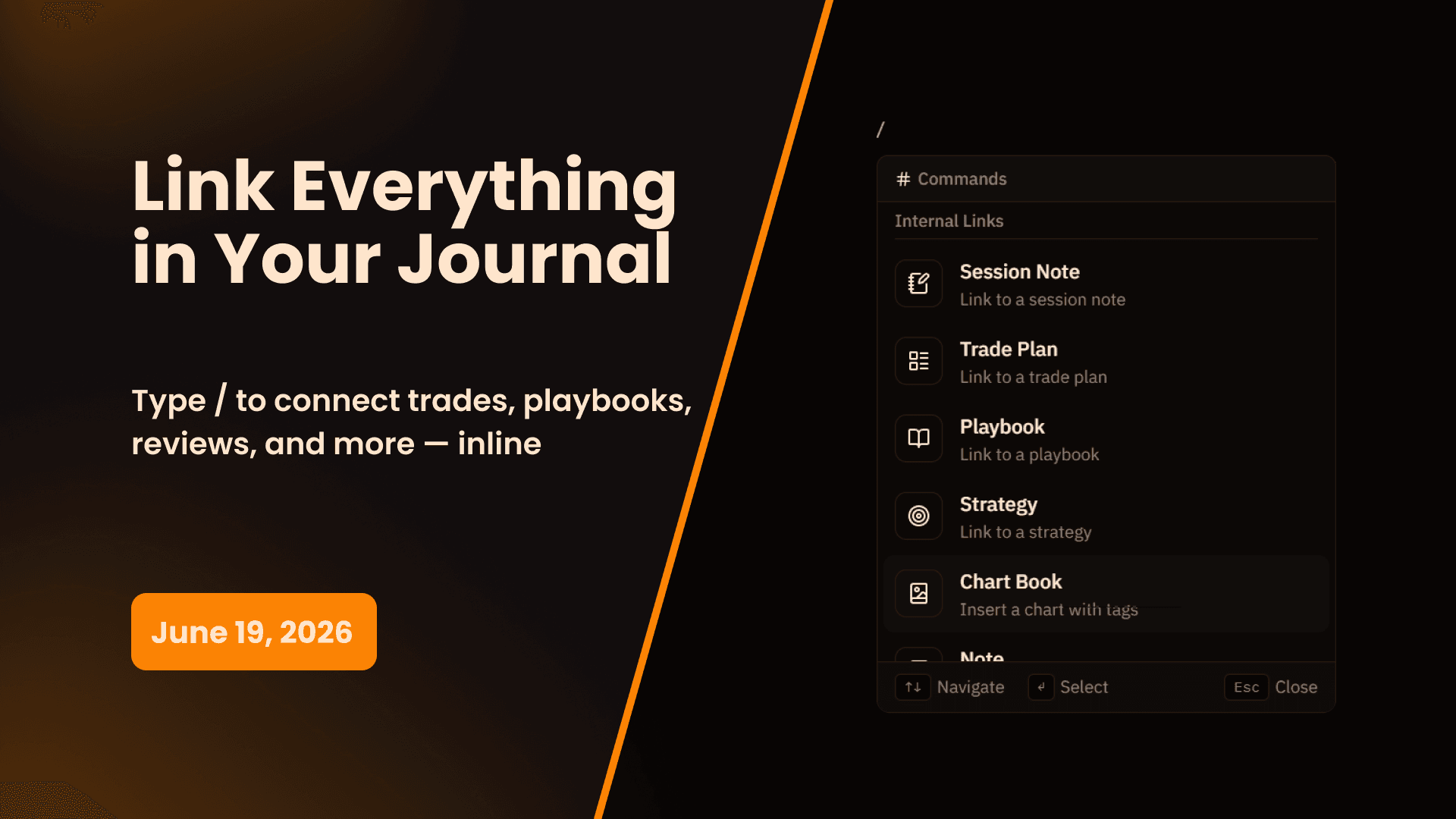
Below the TradingView chart and executions panel is a Review Notes field. This is a freeform writing area for anything you want to capture about this specific trade during the review — observations, mistakes, what you'd do differently, or anything the tabs don't cover. Type directly or use the slash command menu for formatting.
Tags & Sharing
Every trade review can be tagged for filtering and organization. Once a review is complete, you can also generate a shareable link to send to a mentor, coach, or trading partner. They see the full review — chart, performance, playbook adherence, strategy compliance, and notes — without needing access to your account.
Why This Matters
The Difference Between Logging and Reviewing
Importing trades and seeing your P&L is logging. That tells you what happened. Trade Reviews is where you find out why — which rules you followed, which criteria were met, where your execution broke down, and what your actual R was relative to what you planned. Those are the questions that drive development.
Execution-Level Accountability
Most review tools grade a trade as a whole. Trade Reviews grades each execution individually. That distinction matters because a multi-execution trade can have a great entry and a terrible exit — or vice versa. Knowing which specific execution broke down, and which strategy rule wasn't followed, is far more actionable than knowing the trade was a "bad" one overall.
Playbook Adherence Over Time
The criteria met percentage on every trade feeds into your broader performance analytics. Filter your trades by playbook and you can see the correlation between how well you followed your setup criteria and how those trades actually performed. That data is what turns a playbook from a document into a proven, tested edge.
How to Get Started
Reviewing a Trade
- Navigate to Trade Reviews in the sidebar
- Select any trade from the left panel to open the review workspace
- Use the TradingView chart to study the session — hover over executions and click to assign strategies
- Work through the four right-panel tabs: General, Performance, Playbook, Strategy
- Add any notes in the Review Notes field below the chart
- Add tags if applicable
- Click Review to mark the trade as reviewed
Assigning a Playbook
- Open the Playbook tab in the right panel
- Select the playbook this trade belongs to from the dropdown
- Go through the criteria checklist and mark each item as met or not met
- Review your overall criteria adherence percentage
Reviewing Executions
- Open the Strategy tab in the right panel
- Click on an execution to assign a strategy to it
- Check off which rules were followed for that execution
- Repeat for each execution in the trade
Trade Reviews is available on all plans. Sharing is included at no additional cost.
Start 14-Day Free Trial | View All Features | Contact Support
My Prop Journal - The complete trade journal for traders. Review every trade with playbook adherence, strategy compliance, and execution-level analysis.
Share this release
Newsletter
Stay Updated on Latest Features
Get notified about the latest feature releases, platform improvements, and product updates from My Prop Journal.